Description
Keep your blog growing without writing every post yourself.
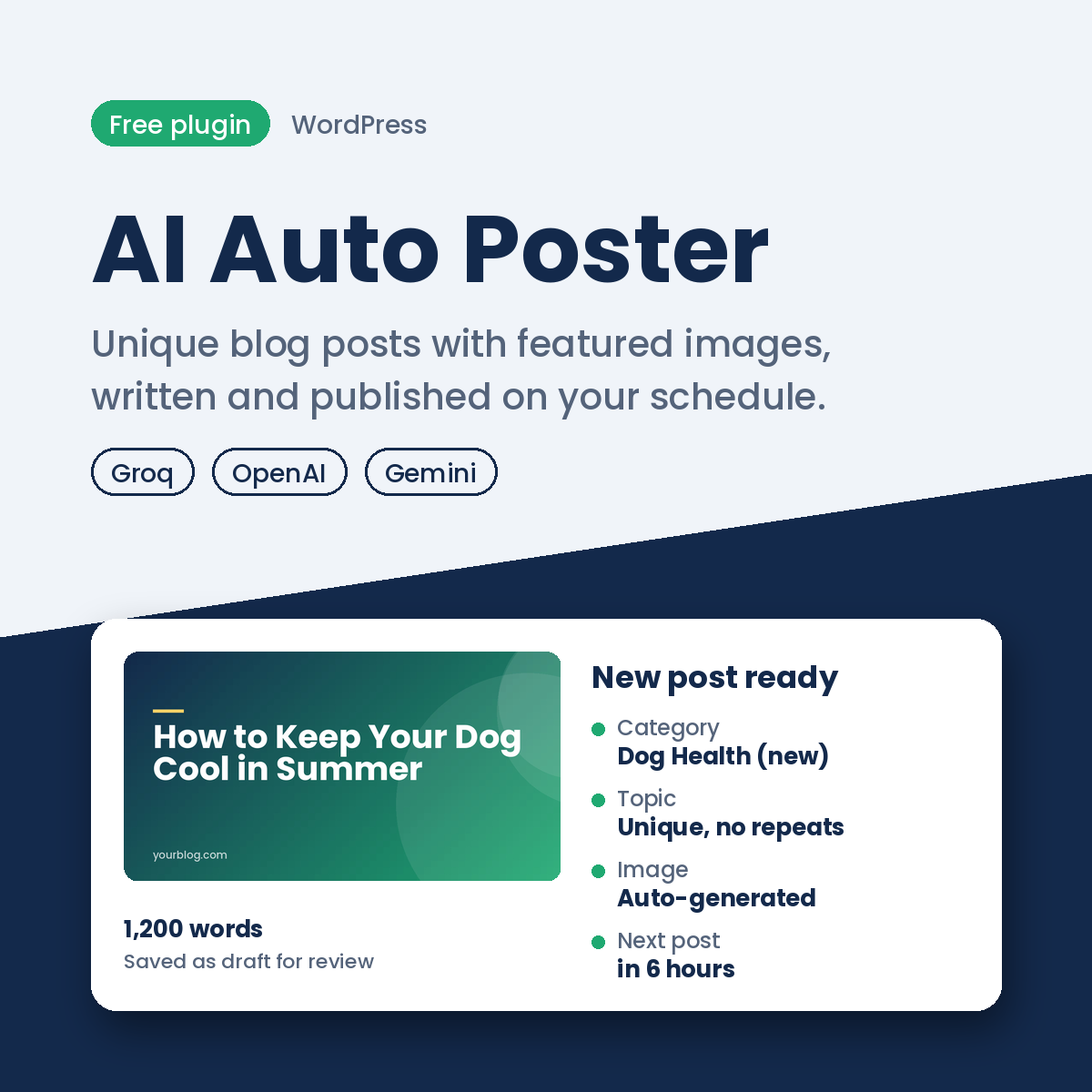
AI Auto Poster writes complete, SEO-ready blog posts for your WordPress site. Give it your niche, choose how often to post, and it handles the rest: topic, article, featured image, category, tags and meta description.
Key features
- Works with three AI providers. Use Groq (fast and low-cost), OpenAI or Google Gemini, with your own API key. If one provider fails, a fallback provider takes over automatically.
- No repeated topics. Before writing, every new topic is checked against your existing posts. Similar titles and repeated keywords are rejected, and each post uses a different format: how-to, listicle, myths vs facts, checklist, FAQ and more.
- Automatic featured images. Choose one source:
- Title card: a branded image with the post title, in your colours and logo. Free, with no AI or API needed.
- Free stock photos from Pexels or Unsplash, with photographer credit added.
- AI-generated images from OpenAI or Gemini.
- Smart categories. Each post goes into the best matching category. If none fits, a new one is created, with a limit so your site doesn’t fill up with tiny categories.
- Schedule or one click. Post every hour, every day, once a week, or click “Generate a post now”. A daily limit keeps API costs under control.
- Multiple campaigns. Run separate campaigns for different topics, each with its own language, tone, length, author and schedule.
- Any language. Write in English, Hindi, Spanish or any language the AI supports.
- SEO ready. Sets the focus keyword and meta description automatically in Yoast SEO or Rank Math.
- Safe by default. Posts are saved as drafts for review. You can switch to auto-publish anytime.
- Clear logs. See every post created, the category and image used, tokens spent, and any errors.
How it works
- Install the plugin and add your API key in Settings.
- Create a campaign: enter your niche, choose an AI model, an image source and a schedule.
- Posts start appearing automatically, or click “Generate a post now” to try it immediately.
Requirements
- WordPress 5.9 or later
- PHP 7.4 or later
- An API key from Groq, OpenAI or Google Gemini (you pay the provider directly; Groq is the cheapest)
- PHP GD extension for title card images (enabled on most hosts)
FAQ
Is the plugin really free?
Yes. You only pay your AI provider for usage, if their plan charges for it.
Will it publish the same topic twice?
No. Every topic is compared with your recent posts and with everything the plugin has written before, even posts you deleted.
Do I need to set up a cron job?
No. Schedules work automatically. On sites with very few visitors, you can paste a private link (shown in Settings) into a free service like cron-job.org to keep posts exactly on time.
Is AI content good for SEO?
Google ranks helpful content however it’s made, but mass-publishing unreviewed posts can hurt your site. That’s why posts are saved as drafts by default, so you can review and add your own touch before publishing.
Can I use title card images for Hindi posts?
Title cards work best with English titles, because Hindi letters don’t join correctly in server-drawn images. For Hindi campaigns, use stock photos or AI images.
Changelog
1.2.0
- Automatic categories: picks the best match or creates a new one
- Simpler scheduling with no wp-config changes; optional private cron link
1.1.0
- New title card featured images with colours, logo and live preview
1.0.0
- First release