Description
Delhivery Shipping for WooCommerce, Without Leaving Your Order Screen
Stop copying addresses into the Delhivery portal. This plugin adds a Delhivery box to every WooCommerce order, so you can check the shipping cost, book the shipment and track it in seconds. Your customers get a clean tracking page on your own domain and automatic updates as the parcel moves.
Check the Shipping Price Before You Book
Enter the weight and box size and click Check price. You see the full breakdown (freight, COD charge, fuel surcharge, GST and the total) for the mode you select. The plugin also shows the actual vs volumetric weight and warns you when the box size is raising the price, so you can switch to a smaller box and save on every shipment.
One-Click Ship Now
- Address, phone, PIN code, items and order total are filled in automatically
- COD or Prepaid is detected from the payment method
- The PIN code is checked for serviceability and COD availability before booking
- Choose the pickup location, Surface or Express, weight and box size
- Weight is calculated from your product weights automatically
- Your package details are saved on the order and stay editable
- Duplicate bookings for the same order are blocked
Shipping Labels and Cancellation
Download the Delhivery shipping label (PDF) straight from the order. If plans change before pickup, cancel the shipment with one click and re-book later.
Branded Tracking Page on Your Own Domain
Every shipment gets a tracking link like yourstore.com/track/1234567890. Customers stay on your website, not a courier site, and see:
- The current status in plain words, such as “Out for delivery, arriving today”
- A visual progress bar: Booked, In transit, Out for delivery, Delivered
- The expected delivery date and full scan history
- A mobile-friendly design that uses your theme’s header and footer
The page shows shipment status only, never the customer’s address or phone number.
Automatic WhatsApp and Email Updates
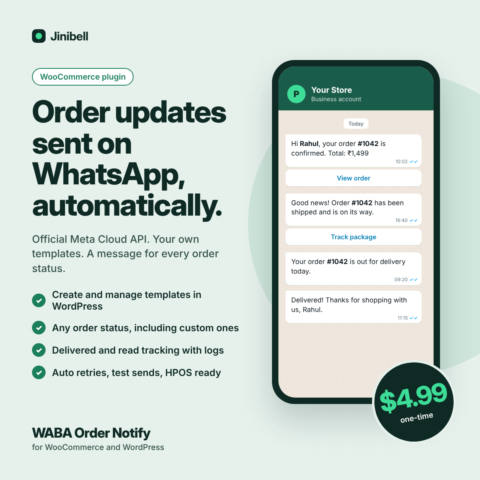
Customers are notified automatically at each stage:
- Shipped, with the AWB and tracking link
- In transit
- Out for delivery, with a “keep ₹X ready” reminder on COD orders
- Delivery attempted, when a delivery fails
- Delivered
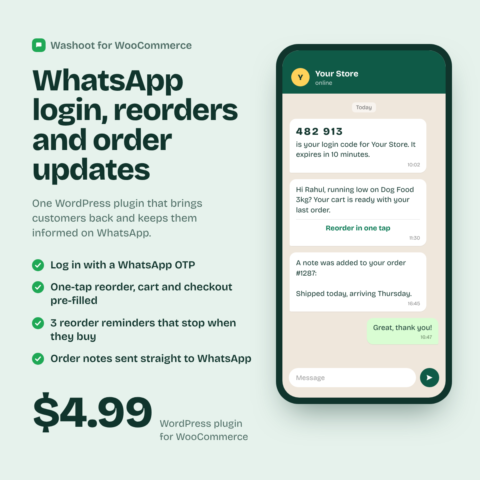
Edit every message with placeholders such as {name}, {order_id}, {awb}, {tracking_link} and {edd}. Messages can go out as WooCommerce customer notes (email), as WhatsApp messages through Washoot, or both. Each message is sent only once per stage, so there’s no spam.
Automatic Order Status Updates
New order statuses keep your dashboard accurate: Shipped, In transit, Out for delivery and Returning (RTO). Delivered orders are marked Completed automatically. Active shipments sync every 2 hours in the background, or instantly with Refresh status.
Built for Indian Ecommerce Stores
- COD and Prepaid shipments
- Multiple pickup locations or warehouses
- Production and Staging (test) modes
- An admin tool to track any AWB, with the raw API response for debugging
- Compatible with WooCommerce HPOS (High-Performance Order Storage)
- Your API token is stored securely and never exposed in the browser
Requirements
- WordPress 5.8+ and WooCommerce (HPOS supported)
- PHP 7.4 or higher
- A Delhivery business account with API access (API token)
- For WhatsApp updates: a Washoot account (optional)
Frequently Asked Questions
Does this book a real shipment in Delhivery?
Yes. Ship now creates the shipment in your Delhivery account instantly and returns the AWB number. It appears in your Delhivery panel as Manifested.
Does it schedule the courier pickup?
Booking creates the shipment. Pickup follows your Delhivery account setup: a daily auto-pickup, or a pickup request from your Delhivery panel.
Can I see the shipping cost before booking?
Yes. Check price shows the full cost breakdown and the chargeable weight before you book.
Where do I get the Delhivery API token?
From your Delhivery panel’s API settings, or from your Delhivery account manager.
Is WhatsApp required?
No. You can send updates by email only, through WooCommerce customer notes. WhatsApp is optional and uses Washoot.
Will my customers see the Delhivery website?
No. The tracking page is on your own domain, with your theme’s design.
This is an independent plugin and is not affiliated with or endorsed by Delhivery. “Delhivery” is a trademark of its respective owner.