

Description
Book appointments in a popup, from any button on your site
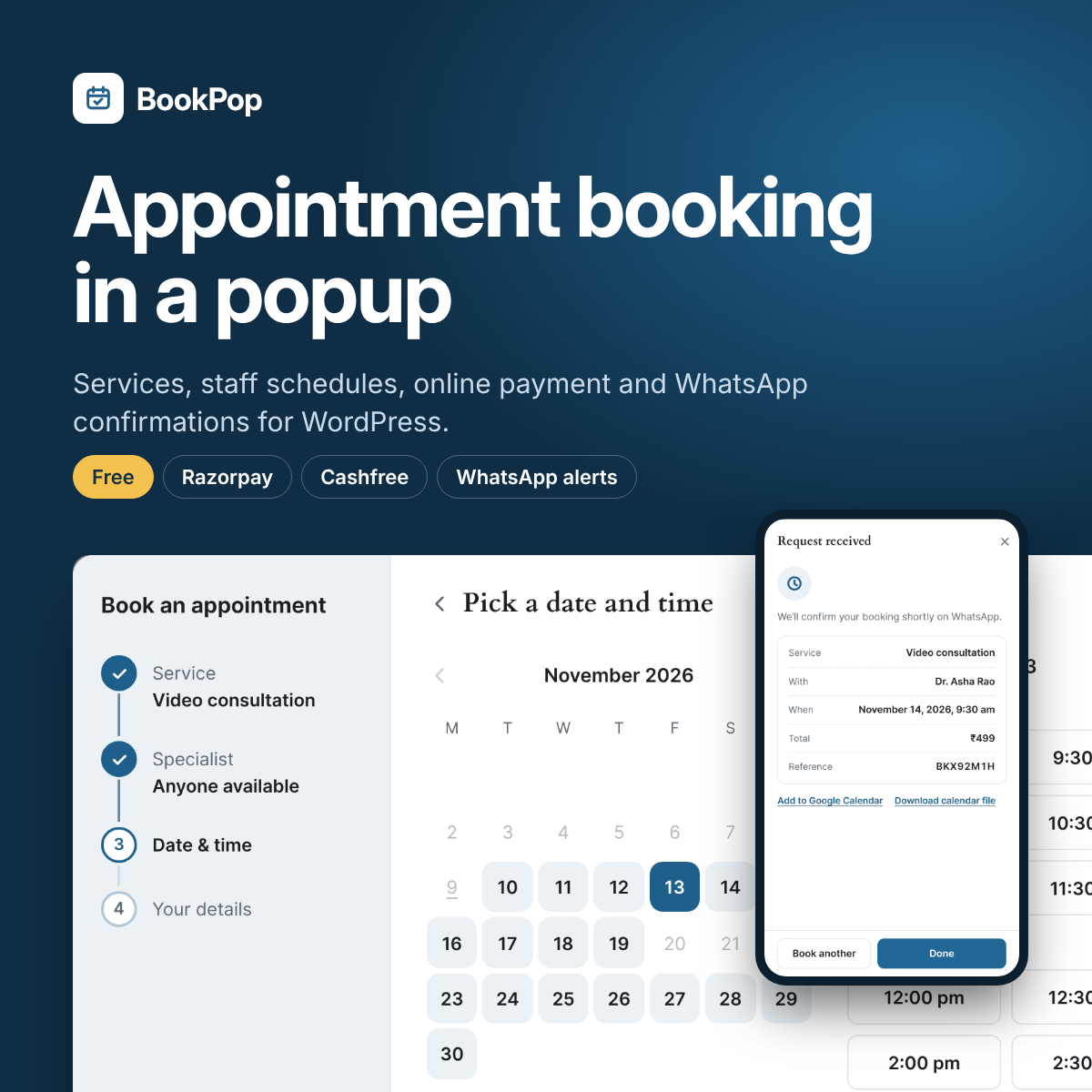
BookPop adds a booking window that opens over any page. Customers don’t need to visit a separate booking page. They click “Book now”, choose a time and confirm in under a minute.
It works for clinics, salons, vets, consultants, coaches, tutors, repair services, and any business that takes appointments.
How booking works for your customers
- Choose a service
- Choose a staff member, or “Anyone available”
- Pick a date and time. Only free times are shown.
- Enter name and WhatsApp number
- Pay online or at the appointment
- Get a confirmation with an add-to-calendar link
On phones, the popup opens as a full-height sheet that’s easy to use with one thumb.
Features
- Services: Set duration, price, buffer time before and after, and how many people can book the same slot.
- Staff schedules: Set weekly hours with breaks, plus days off and business holidays.
- No double bookings: Every time slot is checked again on the server before it’s saved.
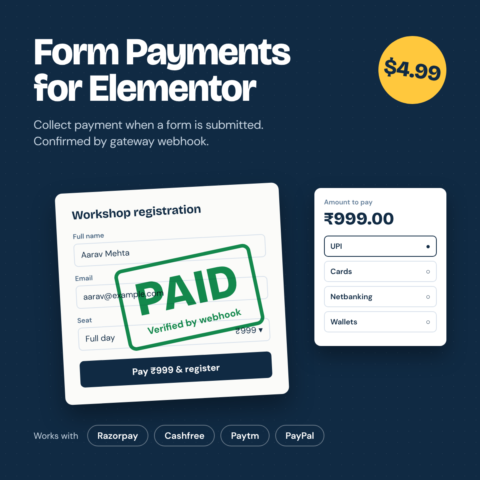
- Online payments: Razorpay and Cashfree, each verified on the server and by webhook. Bookings are confirmed even if the customer closes the browser after paying.
- Payment options: Require payment, make it optional, or turn it off.
- Unpaid holds: A time is held while the customer pays, then released automatically if they don’t finish.
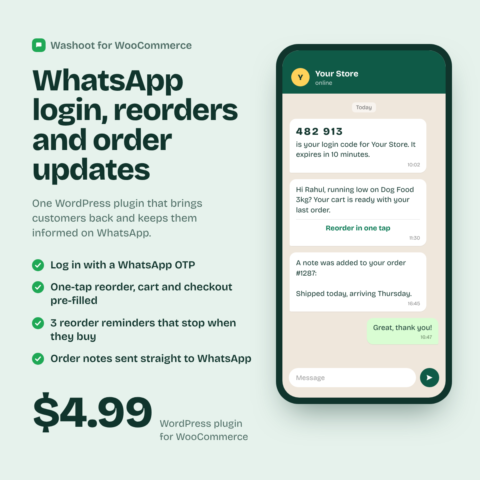
- WhatsApp confirmations: Sent through Washoot, to the customer and to you.
- Email notifications: Go to the customer, the staff member and the admin. Every template can be edited.
- Admin tools: A bookings list, a calendar view, manual bookings, rescheduling, and a customer history.
- Add to calendar: Customers can add the booking to Google Calendar or download an .ics file.
- Appearance: Set your brand colour, and the popup uses your theme’s fonts.
Open the popup your way
- The shortcode
[bookpop]adds a button. [bookpop service="3"]opens with a service already chosen.- Add the CSS class
open-bookingto any button, Elementor widget or menu item. - Link to
#bookpopfrom anywhere.
WhatsApp notifications with Washoot
Connect your Washoot account to send booking confirmations, cancellations and new-booking alerts on WhatsApp. Customers are more likely to read a WhatsApp message than an email, which means fewer missed appointments.
FAQ
Is BookPop really free?
Yes. Download it and use it on any site.
Do I need a payment gateway?
No. You can turn payments off and let customers pay at the appointment.
Which currencies does it support?
Any currency your payment gateway supports. INR works with both Razorpay and Cashfree.
Do I need Washoot for WhatsApp messages?
Yes, WhatsApp messages are sent through Washoot. Email notifications work without it.
Will it work with my theme or Elementor?
Yes. The popup is self-contained, so it can be opened from any theme, page builder or menu.
What happens if two people try to book the same time?
The first one gets it. The second person is asked to pick another time.
Requirements
WordPress 6.0+, PHP 7.4+