Description
Collect payment the moment a form is submitted
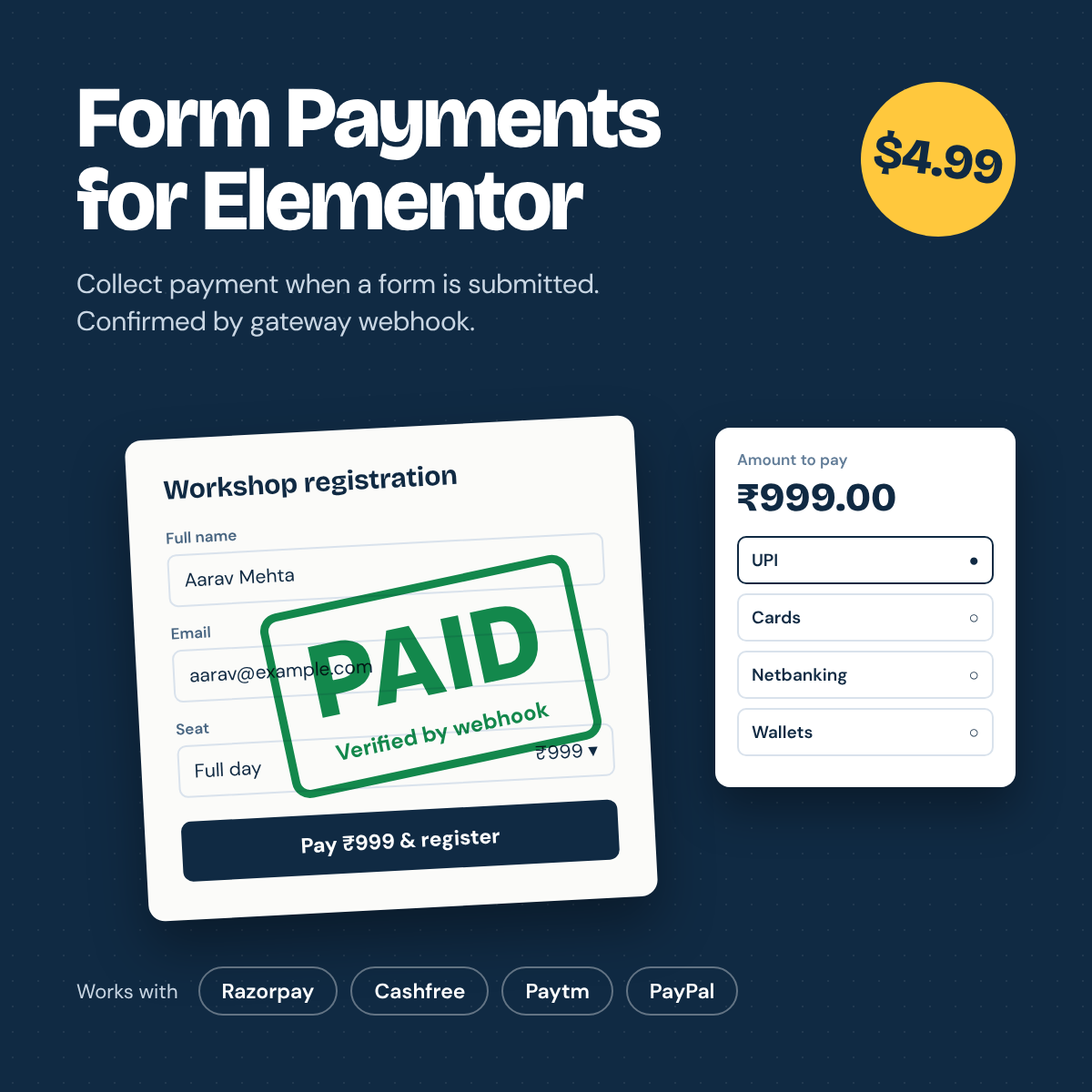
Registrations, bookings, consultations, donations, event tickets: if it starts with an Elementor form, you can charge for it. Form Payments for Elementor adds a Collect Payment action to the Elementor Pro Form widget. No WooCommerce, no cart, no extra pages.
How it works
- The customer fills in your form and clicks submit.
- A secure payment popup opens on the same page (Razorpay, Cashfree, Paytm), or the customer goes to PayPal.
- The gateway confirms the payment to your site by webhook.
- The customer sees a thank-you message, or goes to your own thank-you page.
Payments you can trust
- Webhook verified: every Razorpay, Cashfree, Paytm and PayPal notification has its signature checked before anything is marked paid.
- Amount check: the paid amount and currency must match what was charged. If they don’t, the payment is flagged for review.
- Server-side pricing: the price is calculated on your server, so editing the page can’t change it.
- No missed payments: if a webhook is lost, the plugin re-checks pending payments with the gateway every 15 minutes.
- No duplicates: each payment triggers your emails and actions exactly once, even if a gateway sends the same webhook twice.
Features
- Popup checkout for Razorpay, Cashfree and Paytm; redirect checkout for PayPal.
- Fixed price, or a price taken from a form field (Select, Radio, Number), with an allowed-amounts list or min/max limits for donations.
- Let customers choose their payment gateway from a form field.
- Test and live mode for every gateway.
- Admin email and customer receipt sent after payment is confirmed.
- Payments dashboard with status filters, search, a detail view for each payment, and CSV export.
- “Check status now” button to re-confirm any payment manually.
- Optional PayPal currency conversion (e.g. charge USD for an INR form).
- Webhook log for easy debugging.
- Developer hooks:
efp_payment_completed,efp_payment_started,efp_amountandefp_gateways(for adding your own gateway).
Requirements
- WordPress 5.8+, PHP 7.4+
- Elementor Pro (Form widget)
- HTTPS (gateways only send webhooks to secure sites)
- A merchant account with at least one supported gateway
Setup in 3 steps
- Install the plugin and open Form Payments → Settings.
- Enter your gateway keys, then copy the webhook URL shown into your gateway dashboard.
- In Elementor, edit your form and add Collect Payment under Actions After Submit.
FAQ
Does it need WooCommerce?
No. It works with the Elementor Pro Form widget alone.
Does it work with the free version of Elementor?
No. The Form widget is part of Elementor Pro.
Can I charge different amounts on one form?
Yes. Take the amount from a Select or Radio field and list the allowed amounts, or set a min/max for donations.
Which currencies are supported?
Any currency your gateway accepts. Paytm is INR only. PayPal usually doesn’t accept INR, so the plugin can convert to USD or another currency at a rate you set.
What happens if the customer closes the popup?
Nothing is charged. A “Pay now” button appears under the form so they can try again.
Will Elementor’s email action fire before payment?
Yes, Elementor’s actions run at submit time. Use the plugin’s built-in “payment received” emails instead; they are sent only after the payment is confirmed.